

All Texas Tech Credit Union branches will be closed on Monday, October 12th in observance of Columbus Day.

Texas Tech Credit Union
Rectangle 3-2

MY CARDS

Manage your debit card on your terms.

A simple, secure, and hassle-free way to manage your debit card and keep an eye on your spending through online and mobile banking.

Enhanced debit card management at a touch.

Control Your Card

Turn your debit card on or off instantly, activate a new card, or set travel notifications to keep your account safe.
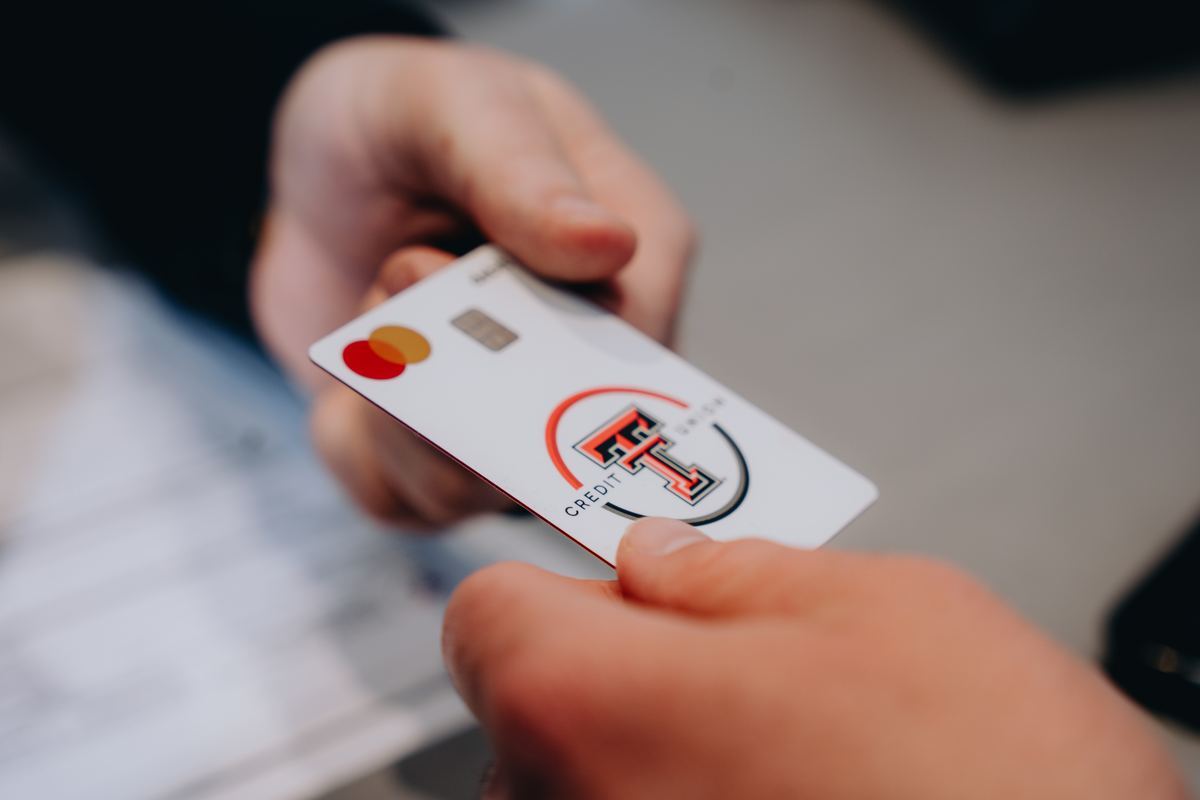
Hand holding a Texas Tech Credit Union debit card

Extra Financial Management

See exactly where your card is stored online. Keep tabs on subscriptions and spot any unexpected charges before they become a problem.

Two people reviewing finances on laptops

Instant Access

Add your debit card to your digital wallet in seconds. Need your card number? Access it securely anytime through online or mobile banking with your login credentials.
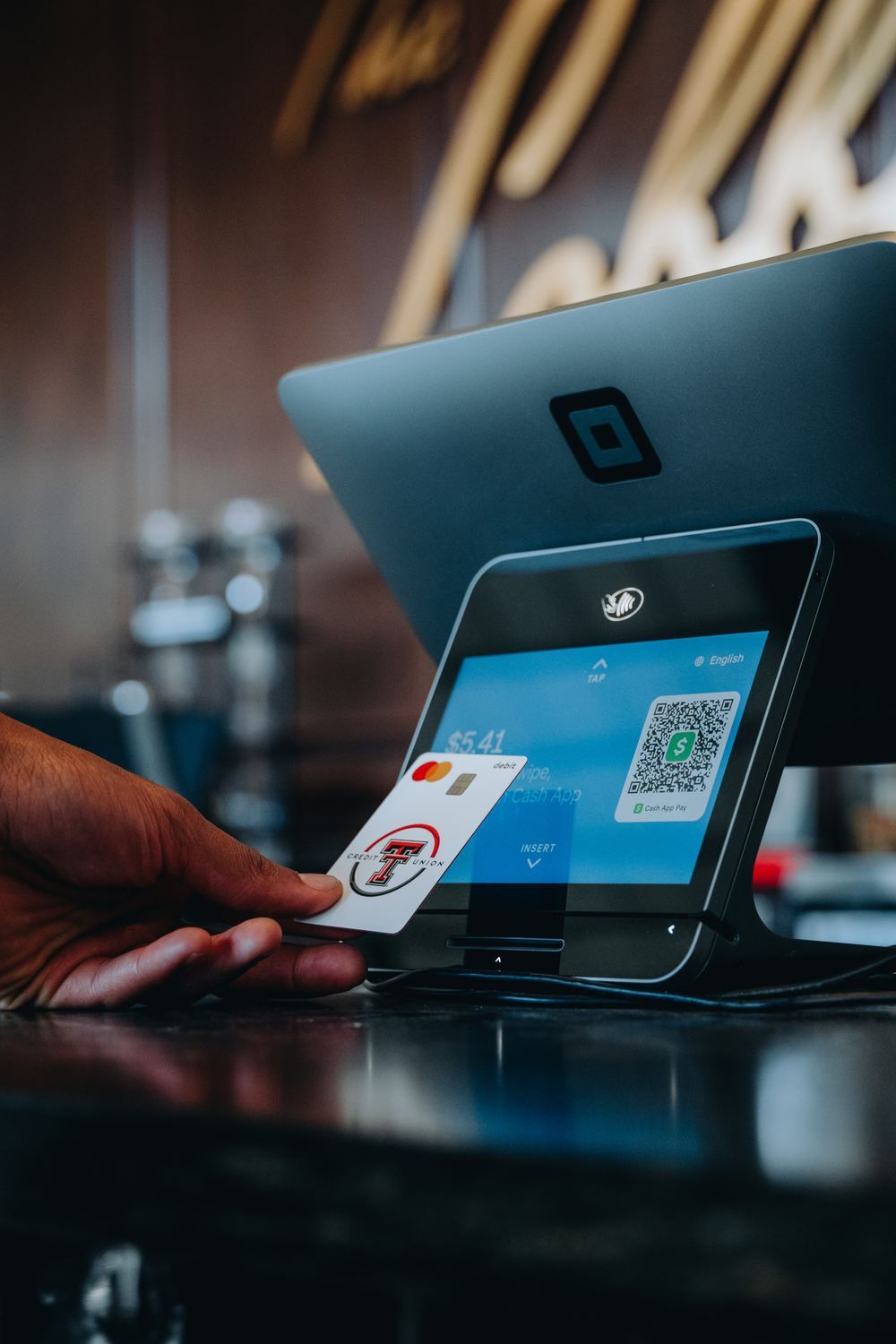
Paying with a card at a payment terminal
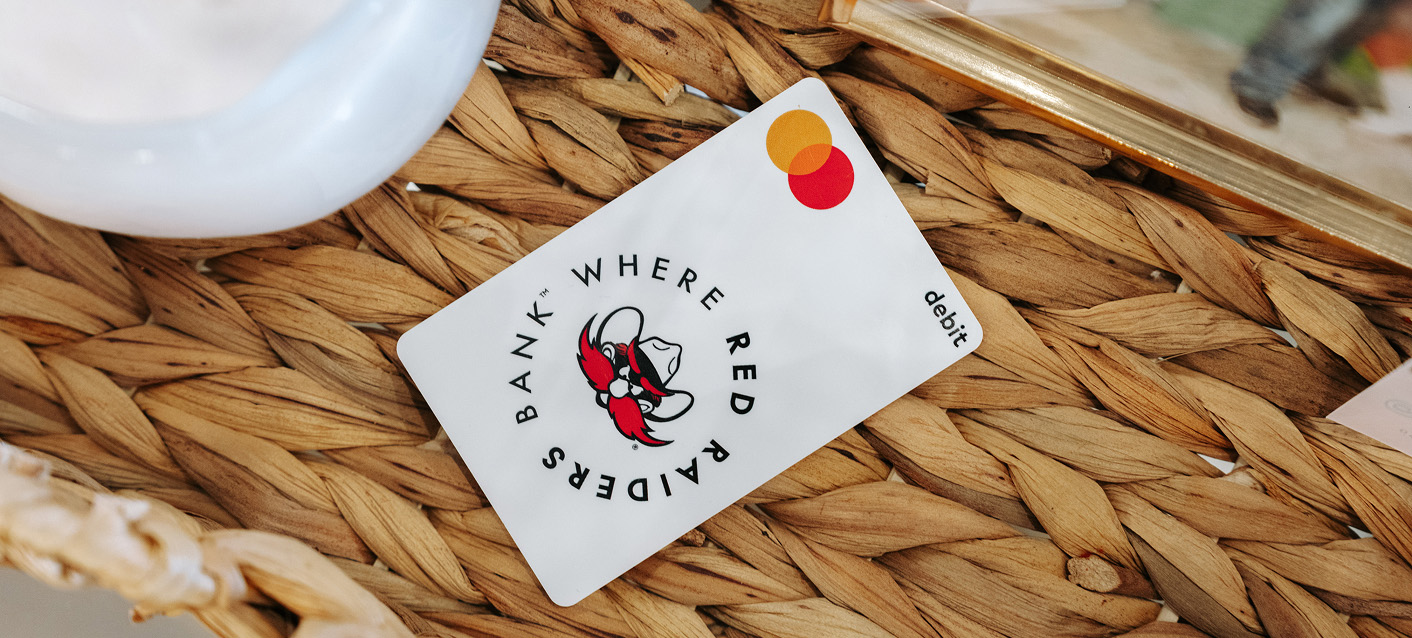
TTCU Card in Basket

How to manage your Texas Tech Credit Union debit cards.

STEP 1

Log in to your Texas Tech Credit Union mobile banking app.

STEP 2

Select "My Cards" from the navigation bar.

STEP 3

Access your card info and features.

Frequently Asked Questions

Card Controls let you take charge of how, when, and where your card can be used. Features like Card On/Off and Transaction Type Controls give you the flexibility to manage security, spending, and usage preferences all within your digital banking app.

Card On/Off lets you temporarily disable your card. If your card is lost or misplaced, you can instantly turn it off to prevent unauthorized use. When you're ready to use it again, simply turn it back on — no need to cancel your card.

Transaction Type Controls let you customize which types of transactions are allowed with your card. Currently, you can enable or restrict:

  • Online Transactions: Control whether your card can be used for internet-based purchases.
  • In-Person Transactions: Set preferences for in-store purchases.
  • ATM Transactions: Manage access to cash withdrawals at ATMs.
  • Autopay/Recurring Transactions: Control the use of your card for subscriptions and automatic payments.

These controls help you limit your card to only the transactions you want, adding an extra layer of security. Please review each transaction type category to verify if it is turned on or off. Note: when you initially turn on transaction controls they will all automatically be ON.

Setting up Card Controls is simple:

  1. Log in to your digital banking app and navigate to My Cards.
  2. Select either Card On/Off or Transaction Type Controls.
  3. For Transaction Type Controls, choose the types of transactions you'd like to enable or restrict, such as online, ATM, in-person, or autopay/recurring transactions.
  4. Save your changes.

Your controls are active immediately, and you can update them anytime.

If your card is turned off, all new transactions will be declined until you turn it back on. This feature prevents unauthorized use of your card if it's lost or misplaced. You can re-enable your card instantly whenever you're ready to use it again.

Yes! You can adjust Transaction Type Controls as needed. For example, if you're making an online purchase, you can enable online transactions temporarily, then turn them off afterward to help protect your account from unauthorized internet purchases.

No. Only Texas Tech Credit Union issued debit cards and credit cards are eligible for services offered through My Cards.

If your Texas Tech Credit Union debit card is lost or stolen, use My Cards to turn your card off. 

No. While My Cards helps you monitor activity and control your card, you should still contact Texas Tech Credit Union if you suspect fraudulent transactions or need assistance with a dispute. If you believe your card has been compromised, lock your card immediately and contact us at 806-742-3606 to report it and request a replacement.

No. My Cards are available at no additional cost to Texas Tech Credit Union members through Online Banking and Mobile Banking. 

Changes made through My Cards, such as turning your card on or off or updating transaction controls, typically take effect immediately. 

Manage your debit card on the go.

Get full access to your accounts, manage your debit card, make transfers, and more through digital banking.