


All Texas Tech Credit Union branches will be closed on Monday, October 12th in observance of Columbus Day.

Texas Tech Credit Union
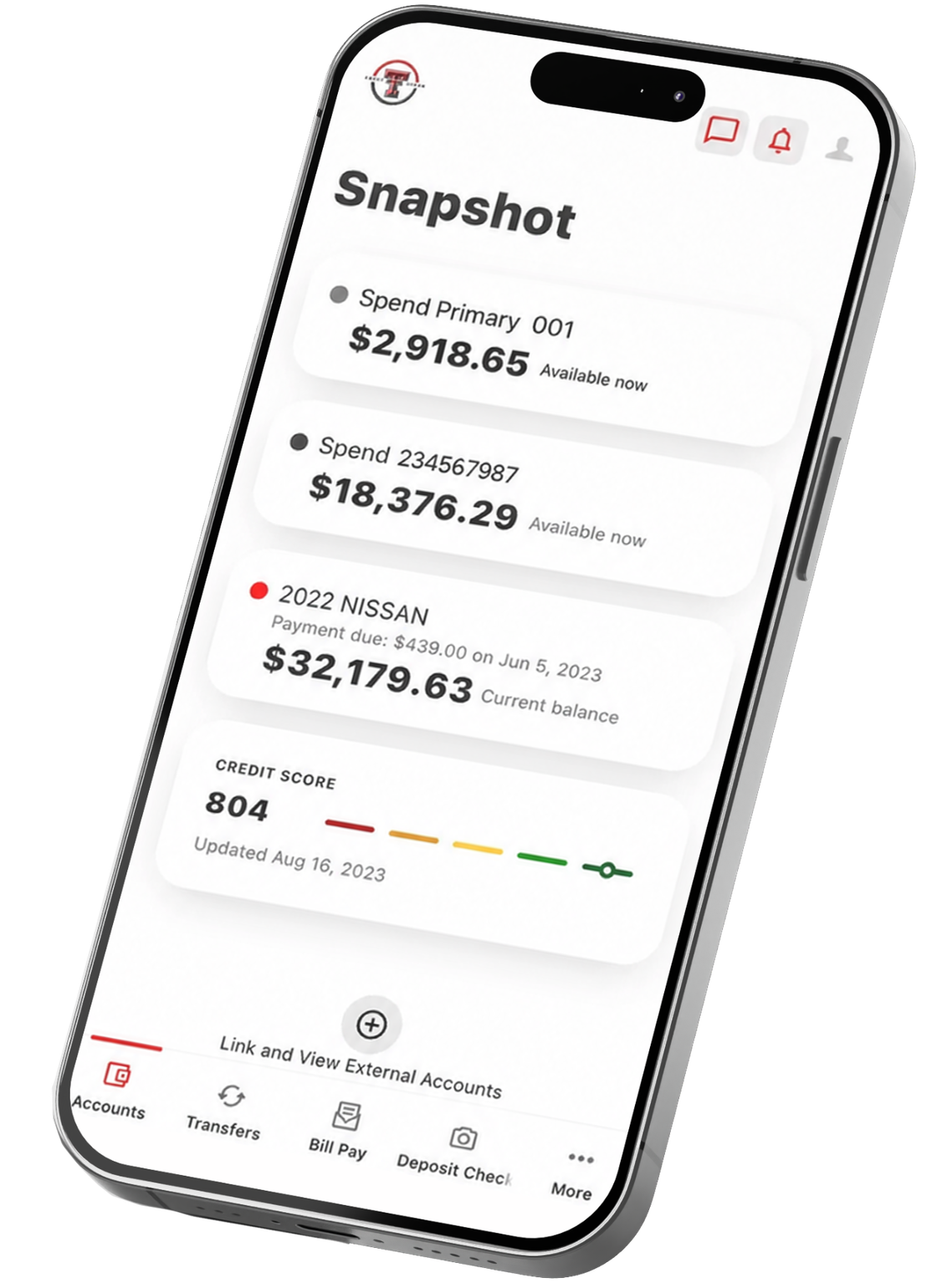
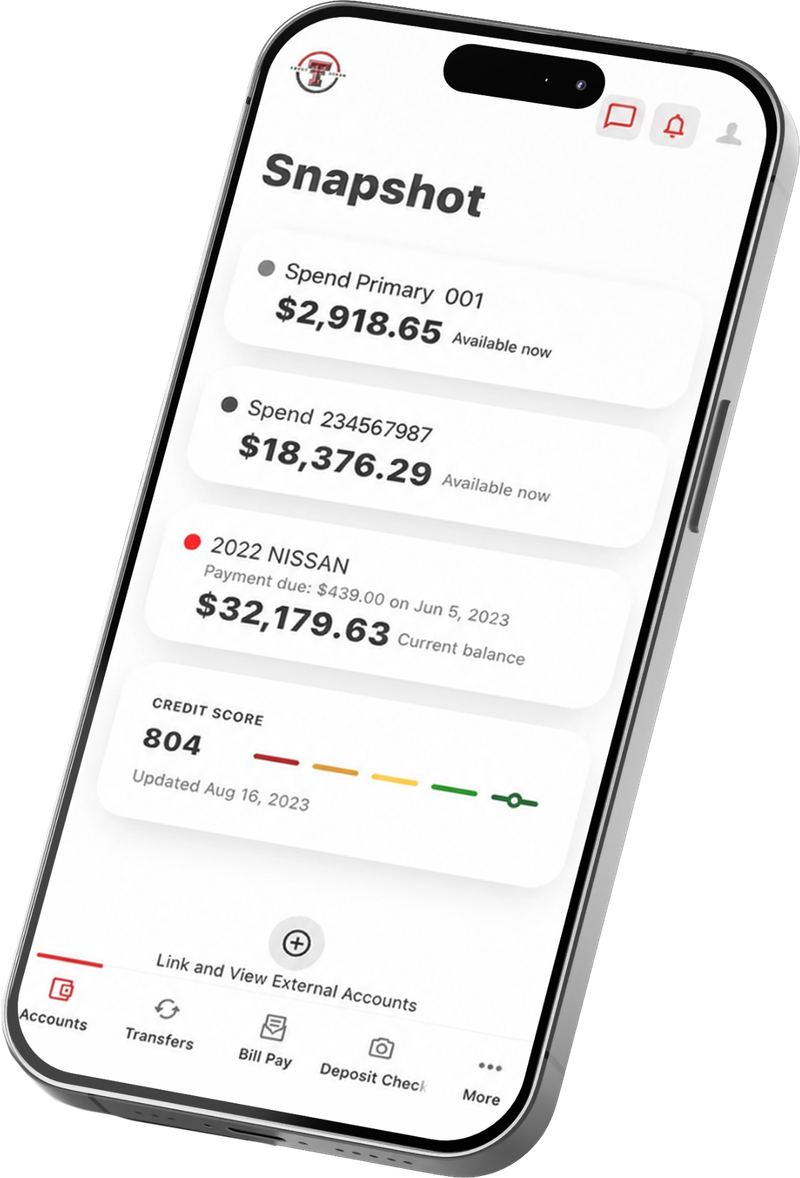
Hand holding a phone with the Texas Tech Credit Union mobile banking app open

MOBILE DEPOSITS

Deposit a check wherever you are.

Skip the branch. Add money to your account anytime, anywhere with mobile check deposit.

Deposit checks in a snap.

Mobile check deposit lets you add funds to your Texas Tech Credit Union account without ever setting foot in a branch. Just open the mobile app, snap a photo of your check, and you're done. It's that simple, and it's free.

Convenient

No need to visit a branch. Make deposits 24/7 right from your mobile app, on your schedule.

Member smiling while using her phone in a Texas Tech Credit Union branch

Simple

Just sign your check, snap a photo of the front and back, and submit. Your deposit is on its way in seconds.

Two Texas Tech Credit Union team members working on laptops at a table

Secure

Your checks are deposited safely and securely through our mobile banking app, giving you peace of mind every time.


Members relaxing on a couch with laptops in a Texas Tech Credit Union branch
Inside a Texas Tech Credit Union branch

How mobile check deposit works.

Step 1

Log in to your Texas Tech Credit Union mobile banking app.

Step 2

Select "Deposit Check" from the navigation menu.

Enter the amount and select the account you want to deposit to.

Step 3

Sign your check, snap a photo of the front and back, and submit.

Be sure to include “For Mobile Deposit at Texas Tech Credit Union” with your signature. Funds are reviewed and available just like any other deposit.
Frequently Asked Questions

Mobile check deposits will generally be available the same business day. Deposits made on the weekend, a holiday, or after 4 p.m. (CT) will generally be available the next business day. Delayed funds availability may apply for certain checks, in which case accepted deposits may be held for up to 5 business days.

Yes, we ask that you keep the check for 30 days after submitting the deposit, or at least until you see the deposit added to your account. Once you see the funds in your account, destroy the check or mark it as void.

Once enrolled, you will see the daily limit displayed after selecting an eligible account. If you wish to deposit a check for an amount greater than this limit allows, please reach out to us at (806) 742-3606 to request a temporary limit increase.

Log in to the Texas Tech Credit Union Mobile App and select Mobile Deposit. Choose the account you'd like to deposit into, enter the check amount, and take photos of the front and back of the endorsed check. Be sure to endorse the check with "For Mobile Deposit at Texas Tech Credit Union." Review the information and submit your deposit.

Most personal, business, cashier's, and government-issued checks can be deposited through Mobile Deposit. Some items may not be eligible for mobile deposit. 

No. Mobile Deposit is available at no additional cost through the Texas Tech Credit Union Mobile App. Standard message and data rates from your mobile carrier may apply. 

Yes. Mobile Deposits can be submitted 24/7 through the mobile app. Processing and funds availability may vary based on the time and day the deposit is submitted. 

Banking that goes where you go.

Open an account and start making mobile deposits today.