

DIGITAL WALLET
Enjoy a faster, more secure way to pay.
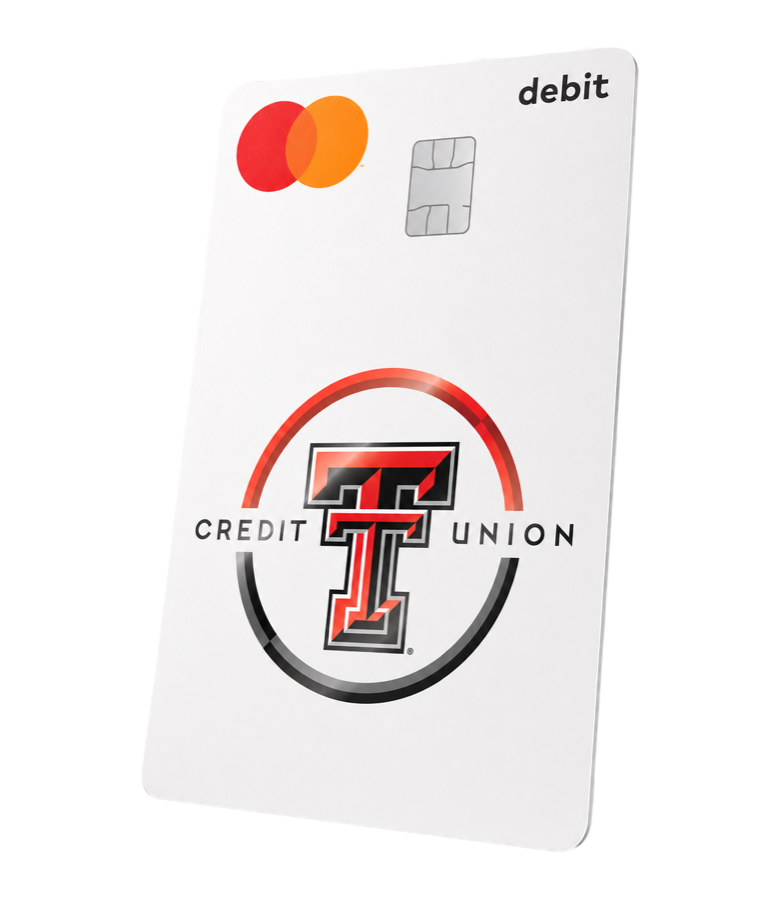
Add your Texas Tech Credit Union debit card to your digital wallet, where purchases are just a tap, touch, or click away.
Payments made more convenient and secure.
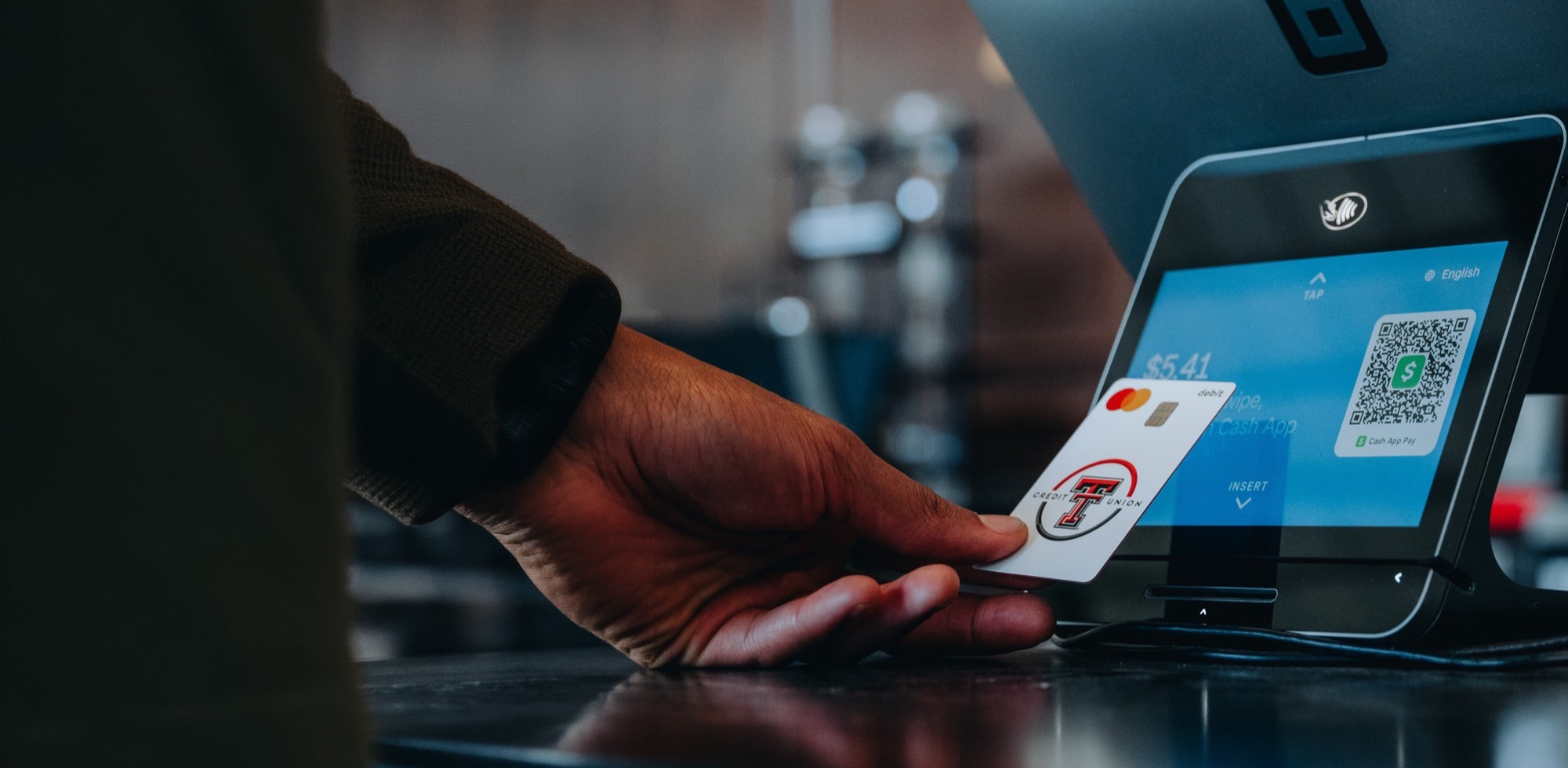
Pay with a tap of your phone or watch, wherever contactless payments are accepted. No physical card required.
Widely Accepted
Add your debit card to Apple Pay, Google Pay, or Samsung Wallet and make contactless payments at millions of locations worldwide.
Added Protection
Tokenization and biometric authentication provide extra layers of security, keeping your account safe and reducing the risk of fraud.

Digital Access
Keep your card on your phone or watch and eliminate the risk of misplacing your physical card.
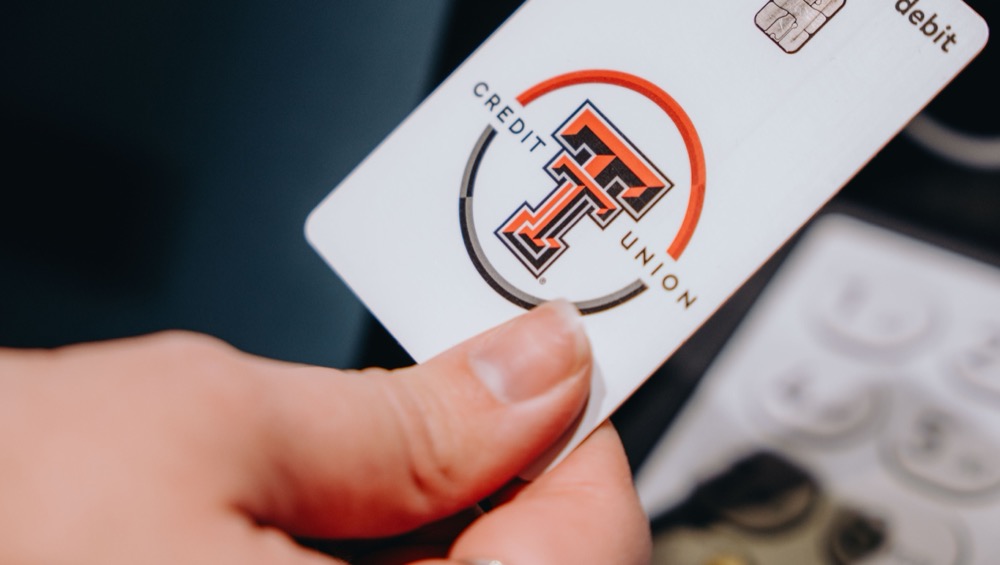
How to add a card to your digital wallet.
Step 1
Open your preferred digital wallet app.
Apple Pay, Google Pay, or Samsung Wallet.
Step 2
Select "Add a card" and enter your Texas Tech Credit Union debit card information.
Step 3
Verify your card and start making secure, contactless payments right away.
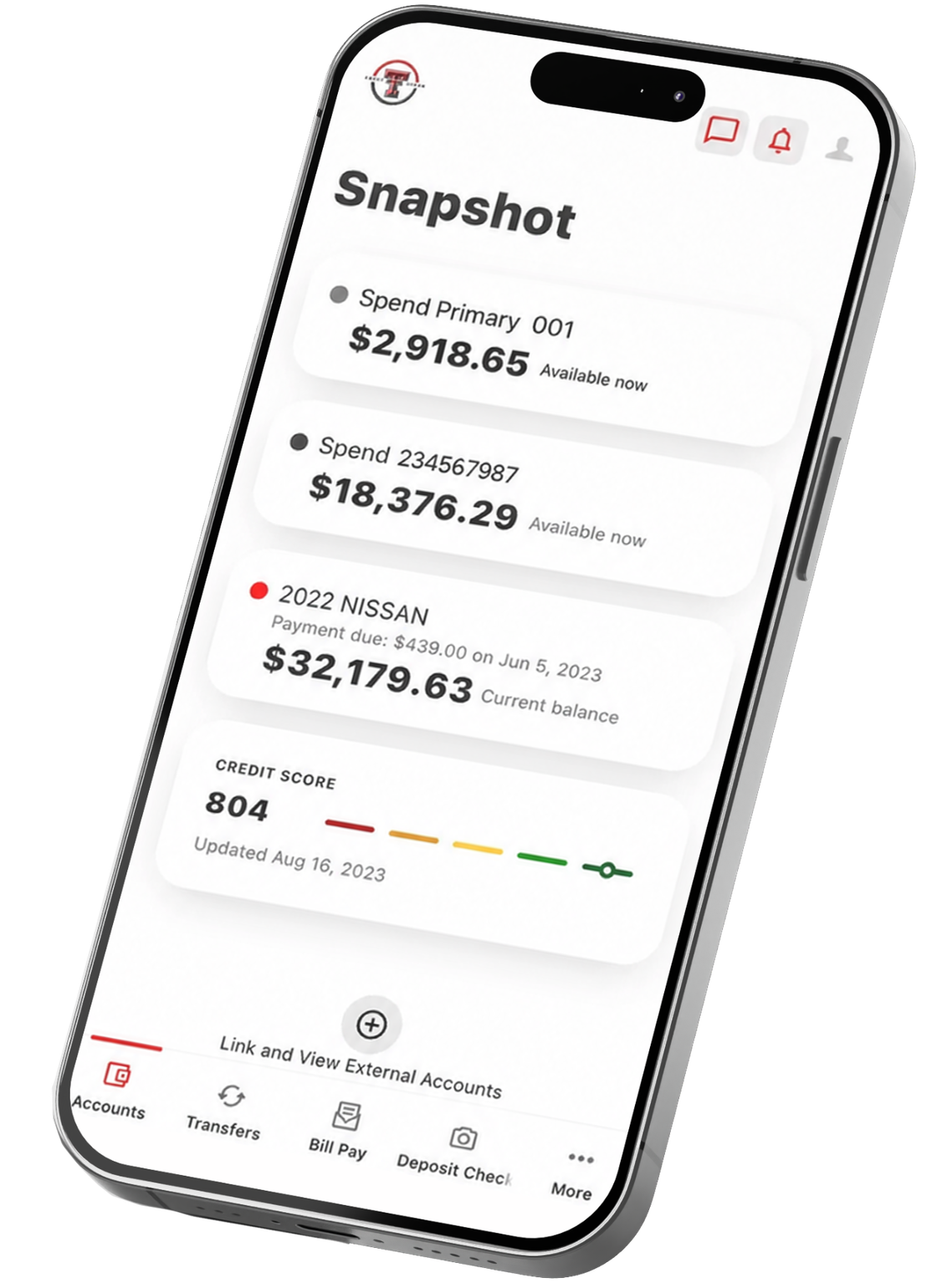
You can also add your card directly through the My Cards section of the Texas Tech Credit Union mobile app.
Frequently Asked Questions
Yes, digital wallets are highly secure. They use tokenization, which replaces your card number with a unique code. Your actual card number is never shared with merchants.
If you believe your device has been lost, stolen, or compromised, log in to online banking or the mobile app, go to My Cards, and then turn your card off.
If you replace your device, you will need to re-add your Texas Tech Credit Union debit card to your digital wallet. Simply follow the steps as before.
A digital wallet allows you to securely store your Texas Tech Credit Union debit and credit cards on your smartphone, tablet, smartwatch, or other compatible device. You can use it to make purchases in stores, online, and within participating apps.
No. Texas Tech Credit Union does not charge a fee to add or use your eligible cards in a digital wallet. Standard message and data rates from your mobile carrier may apply.
Texas Tech Credit Union cards can be added to popular digital wallets, including Apple Pay®, Google Pay™, and Samsung Wallet®, where available.
Open your digital wallet app, select the option to add a card, and follow the prompts to verify and activate your card.
In many cases, eligible cards may automatically update within your digital wallet. However, depending on the wallet provider and the reason for replacement, you may need to remove the old card and add the new card manually.
Streamline purchases through digital wallets.
Start making secure, effortless purchases with your Texas Tech Credit Union debit card, no wallet required.